No optional tracking is used. We save only your dismissal of this notice for 180 days. Storage details.
Afropari deposits: methods and minimums
Compare the published deposit methods: M-Pesa from 10 KES in Kenya, and Wave, Orange, MTN or Moov from 300 XOF in Côte d’Ivoire. Tanzania and Nigeria are listed separately below.
The table summarises local methods visible in the operator's public payment selector. Choose your country and the deposit tab on the international payment page; Nigeria has a separate payment page.
On a small screen, swipe the table sideways or focus it and use the arrow keys.
Selected local methods in the public deposit selector
Country
Listed methods
Published minimum
What to check in your account
Kenya
M-Pesa
10.00 KES
The available method and current amount limits.
Côte d’Ivoire
Wave, Orange, MTN, Moov
300.00 XOF for each listed method
The wallet or mobile payment option you intend to use.
Tanzania
Tigo, Halotel, Airtel
Confirm the amount and currency in the cashier.
The public amount had no currency label, so it is not reproduced here.
Nigeria
Check the methods offered in your account.
Not established by this public check.
The .ng selector returned no method rows with Nigeria selected.
A public listing does not establish availability for a particular account. The Nigerian result also does not establish that deposits are unavailable: use the current account cashier or ask operator support. This is a selection of local methods, not a complete list of every payment category.
How to make an Afropari deposit
Open Deposit in your operator account
Choose a method offered for your country. Match the payment account or phone owner to the details required by the operator.
Enter the amount and read the payment screen
Check the currency, method minimum, fees and any separate bonus threshold. Use only the recipient or payment instructions generated in your operator session.
Complete the provider’s confirmation and keep the reference
Follow the selected bank or wallet’s own confirmation screen, then compare its receipt with the operator’s payment history and balance. A request being opened is not proof of a completed deposit.
This follows the operator’s published deposit instructions. Method-specific authenticated screens were not tested.
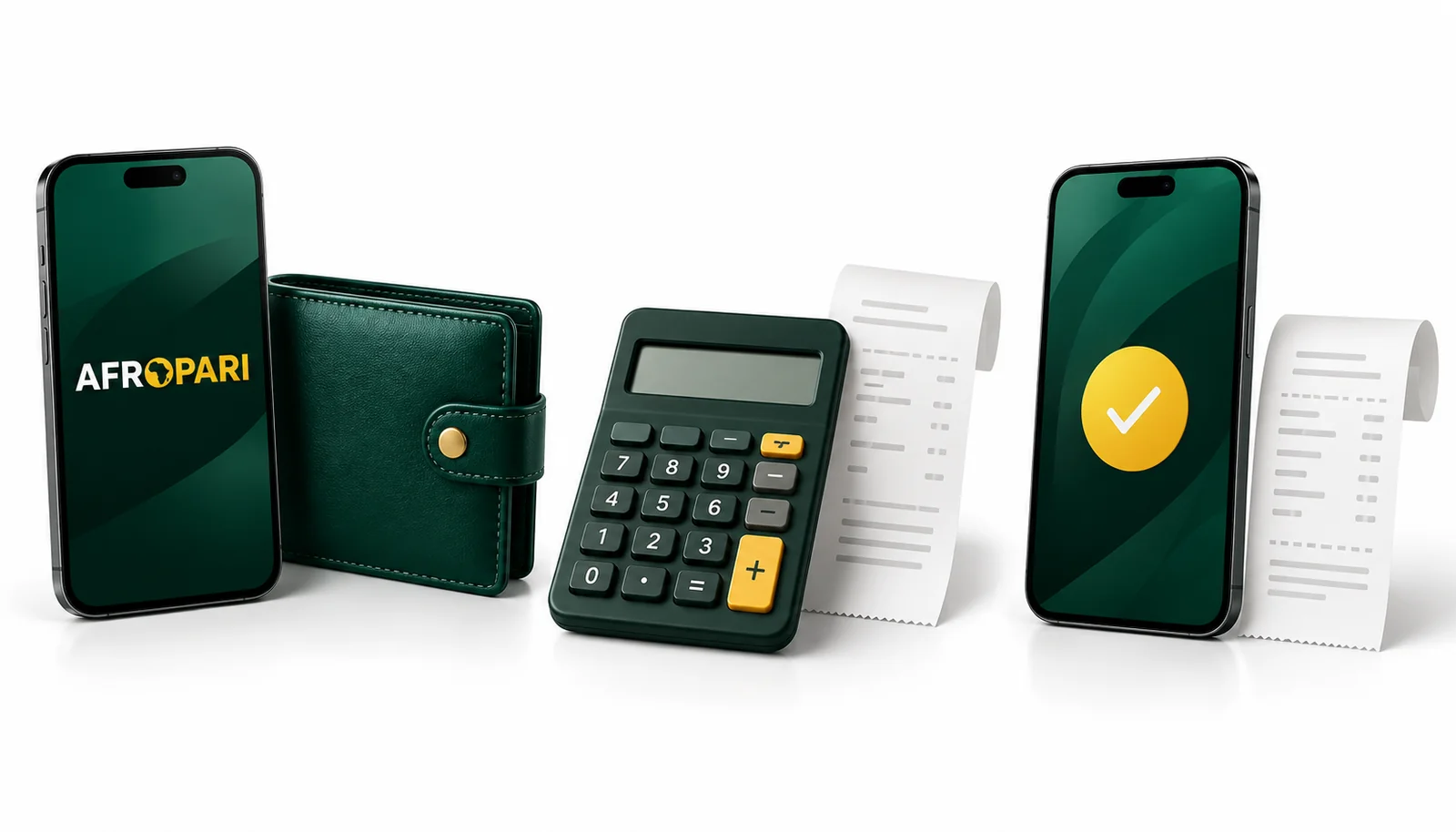
Editorial illustration. Device screens and objects explain the guide; they are not screenshots of the operator’s interface.
1. Choose a method
Use a payment option offered to your own account.
2. Check the amount
Confirm currency, limits and any applicable charges.
3. Follow the instructions
Keep the payment reference and check the account status.
Deposit limits, fees and processing time
Amount
Payment minimum or bonus threshold?
The minimum in the payment table belongs to that method. A promotion may require a different qualifying deposit. Check both separately; reaching a payment minimum does not automatically qualify an account for an offer.
Current conditions
Read the final payment screen
The public local-method rows checked for Kenya, Côte d’Ivoire and Tanzania were labelled No service charges and Instant. These are the operator's descriptions at the time of review, not a measured transfer time or a guarantee of the amount received.
Check for any charge or currency conversion shown by your bank or mobile payment provider as well. A maximum deposit, a provider limit and a personal account limit can serve different purposes; the selected method's current instructions are the place to confirm what applies.
No universal maximum or guaranteed completion time is established here. If the amount, fee or expected time is unclear, ask support before authorising the payment. An amount already sent should be traced using its reference before you consider another transfer.
Where to check your deposit status
Compare the payment provider's receipt with the status and balance shown in your Afropari account. Use the transaction record or payment history if the account provides one; the exact menu and status labels were not verified in a signed-in session.
The provider has not confirmed the payment
Read the provider's current response and check whether the request needs an action or has ended. An opened payment screen alone is not a receipt.
The provider confirms a transfer, but the balance is unchanged
Keep the reference, amount, currency and time. Compare any expected processing period in the current instructions, then ask operator support to trace that transaction. Avoid sending the same amount again simply to test it.
The operator shows a completed deposit
Check the credited amount and currency against the receipt. If an offer was selected, read its separate bonus status and conditions; a deposit entry and a bonus credit are different records.
These are practical checks for reading a payment result, not an official list of Afropari status codes. A receipt from one side should be reconciled with the receiving account.
What to prepare for payment support
Use the operator's own support channel for an account or payment query. The contacts guide explains the difference between operator support and this independent information site.
The website or app and country you used.
The payment method, amount and currency.
The transaction reference, date, time and time zone.
The provider's response and the status shown by the operator.
A relevant receipt or screenshot, with unrelated personal details covered.
Share transaction information only through the appropriate operator or provider channel. Never send a password, payment PIN, card security code or one-time login code to this website. We cannot access your balance, accept a deposit or change a transaction.
Ask support to confirm the status of the existing reference and the next action, if any. Keep the reply alongside the receipt so that a follow-up refers to the same transaction.
Questions about Afropari deposits
M-Pesa appears in the checked public Kenya deposit selector. Confirm it is offered in your own cashier and follow the current instructions there; this guide does not publish payment recipient details.
There is no single amount established for every country. The country table lists verified public minimums where the currency was shown. Check the current method and any separate offer threshold before proceeding.
The public .ng selector did not provide method rows in our Nigeria check. Open the deposit section of your account or ask operator support for the available options and their conditions.
Use the current method's description and any charges shown by the provider. The public labels described above are not a guarantee of a particular transfer's completion time or total cost.
Keep the receipt and reference, check the operator's account record and contact its support to trace the existing payment. The support checklist lists useful details.
Do not assume that it does. Eligibility, consent, payment method and amount can be part of an offer's rules. Read the current offer before depositing and check any bonus credit separately afterwards.